
Submit your organization ID and name to request access to QwenWork International Open Platform.
Request access for your organization before using Open Platform.
Next: Create a Third-Party App.
1
Find your organization information
Sign in to QwenWork International, open Organization settings, and record your organization ID and name.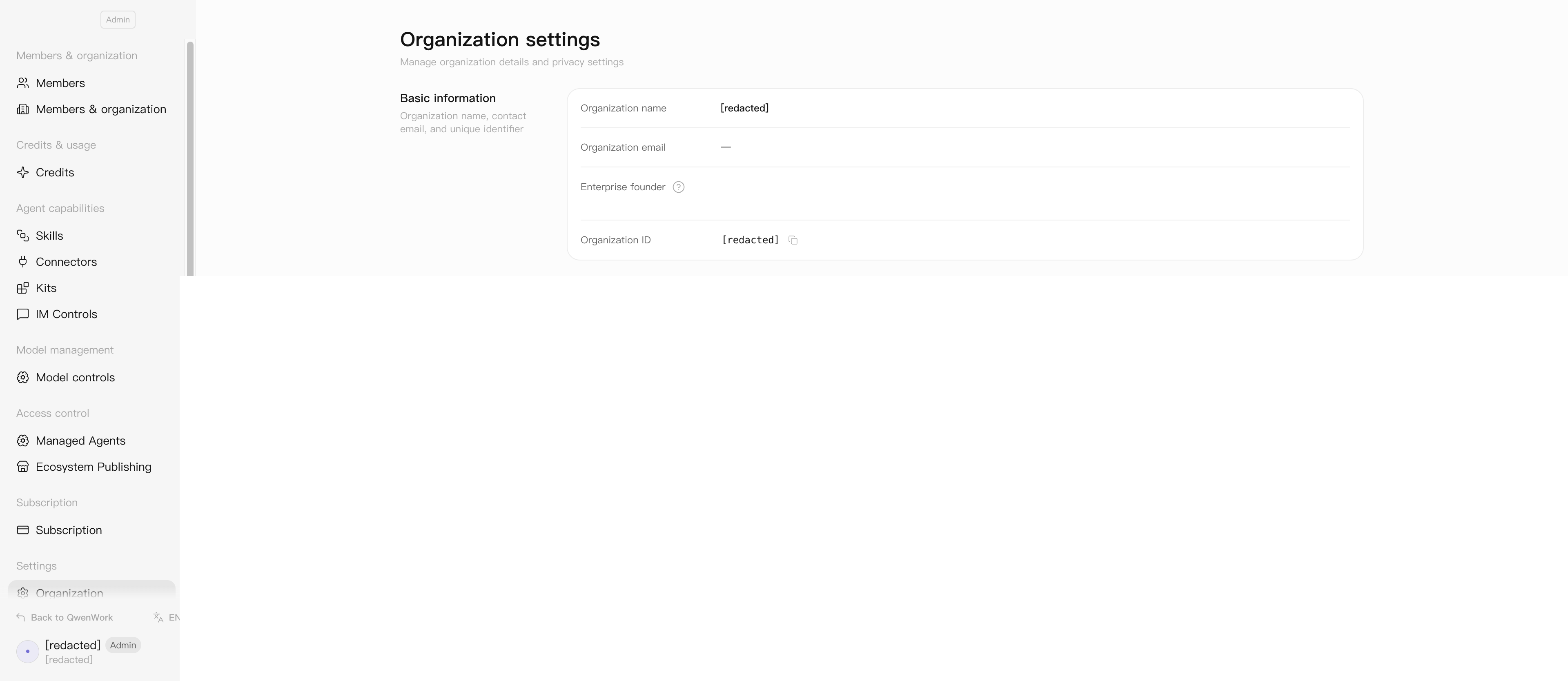
Find the organization name and ID in organization settings
2
Contact your account manager
Send your organization ID and name to your account manager, request Open Platform access, and wait for confirmation.
3
Check your access
Open International Open Platform with the corresponding enterprise identity and go to “Third-party enterprise apps”.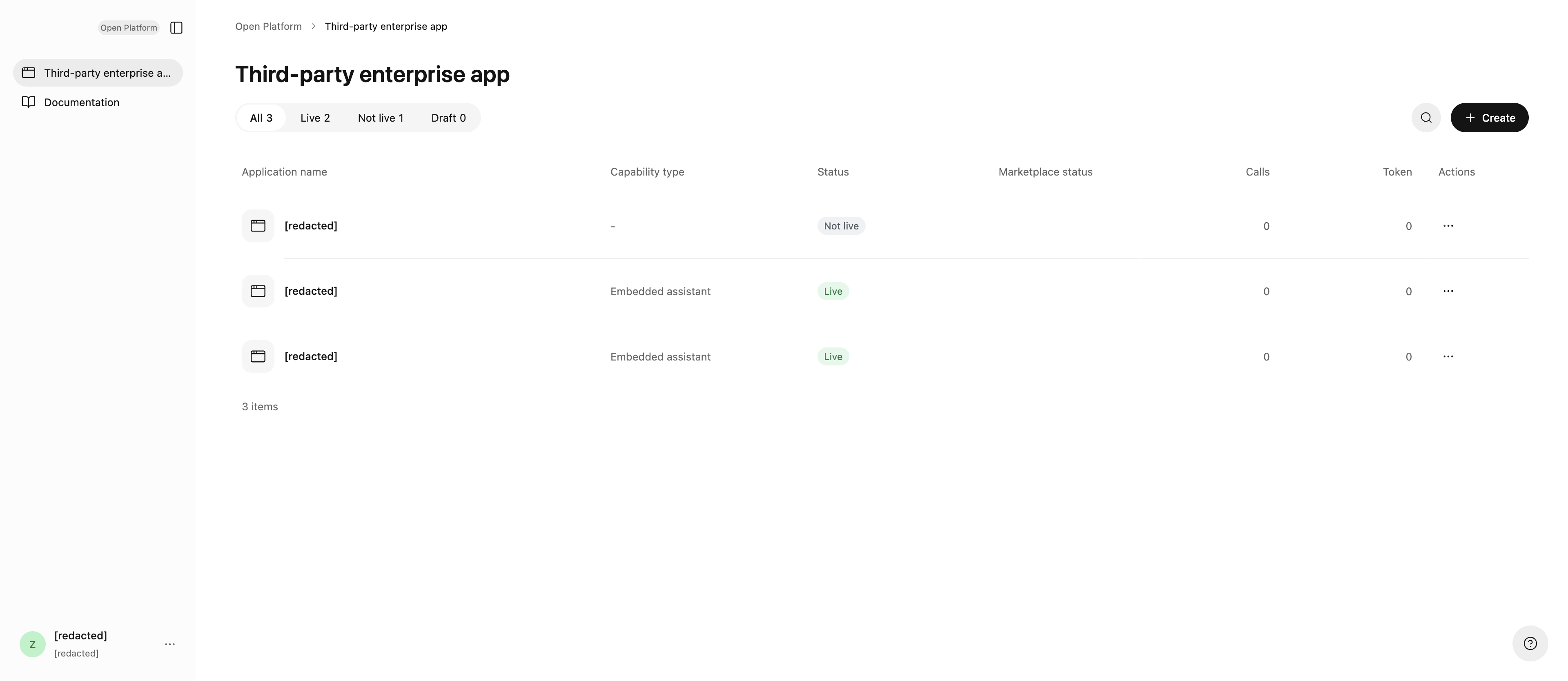
Open the third-party enterprise app list